 Dedicated Support
 Safe & Secure online payment

Try out Pro front end and backend on test site Try Demo Documentation
Take Full Control of What Customers Can Buy in WooCommerce
Set Minimum, Maximum, and Multiple Quantity Rules for Products, Categories, and Orders. Define clear purchasing limits to protect your margins.
The Hidden Problems of Unrestricted Purchases
Unknowingly allowing certain purchase patterns creates massive operational friction.
Broken Bulk Rules
Customers mixing products in ways that break your bulk packaging logic, increasing warehouse handling time.
Carton Mismatch
Orders that don’t match your case or carton sizes, leading to wasted space and higher shipping costs.
Inventory Sweeping
A single buyer purchasing your entire inventory of a high-demand item, leaving other customers frustrated.
Define Smart Purchase Rules
Automate your store policies. WooCommerce will enforce your requirements instantly at checkout.
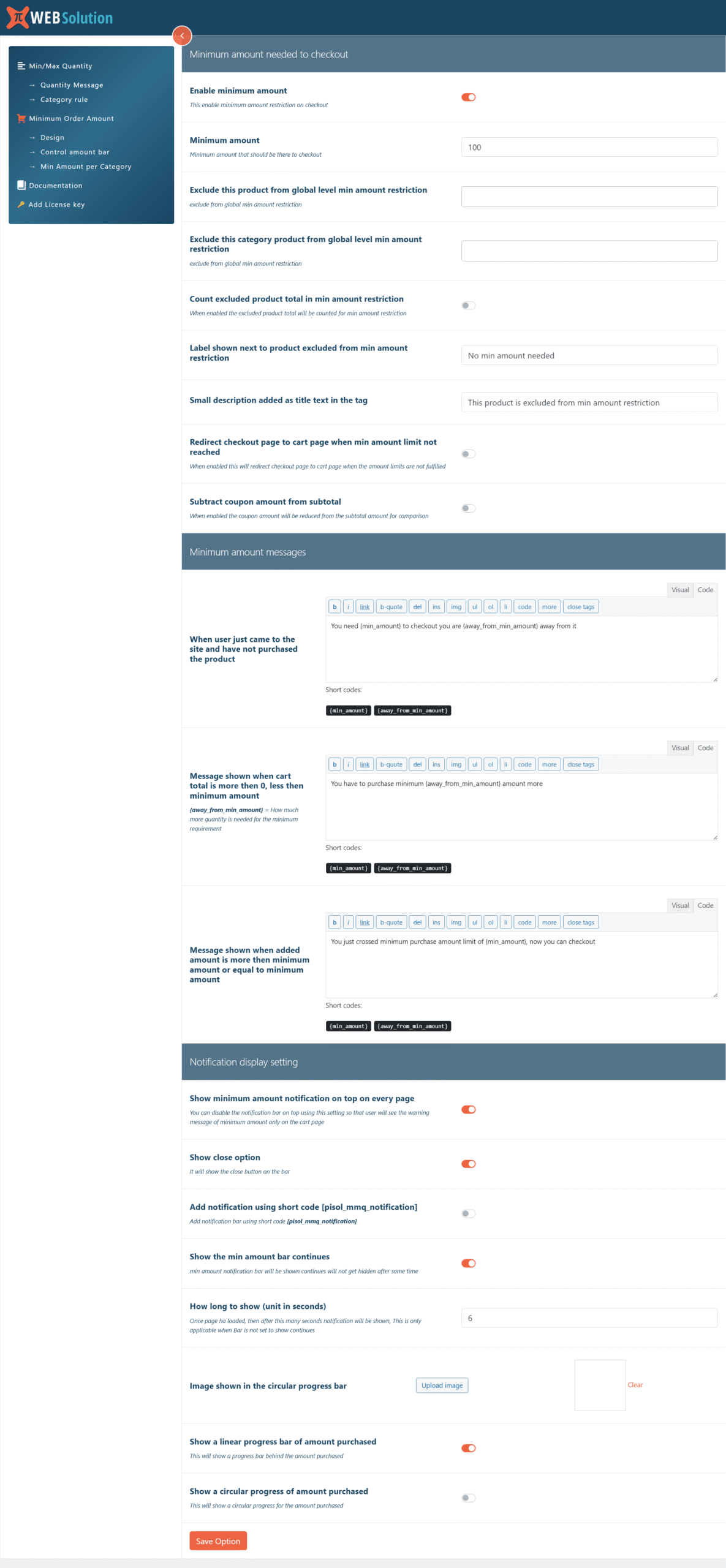
Min/Max Order Amount
Set the minimum and maximum cart value allowed before checkout is enabled.
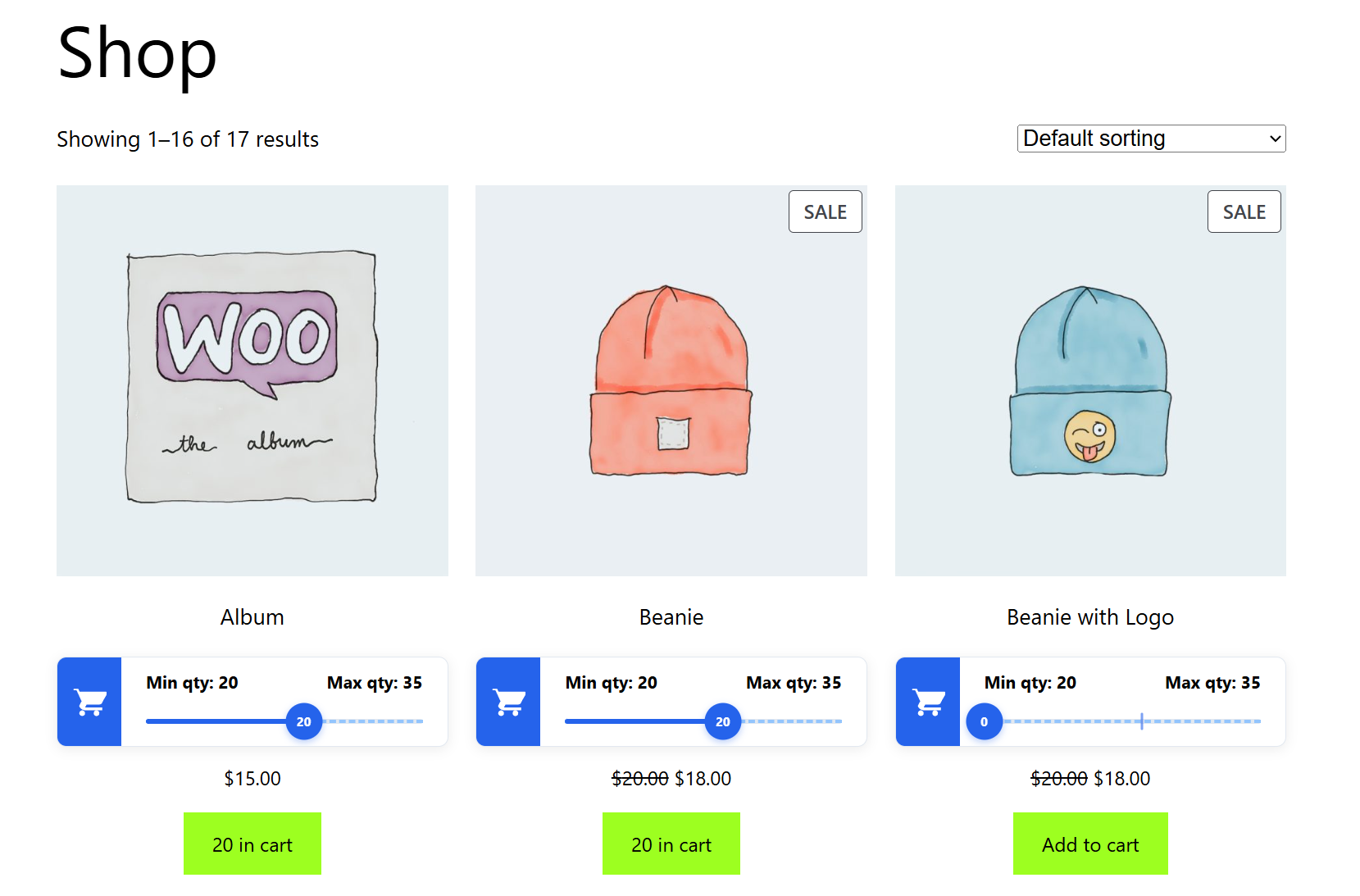
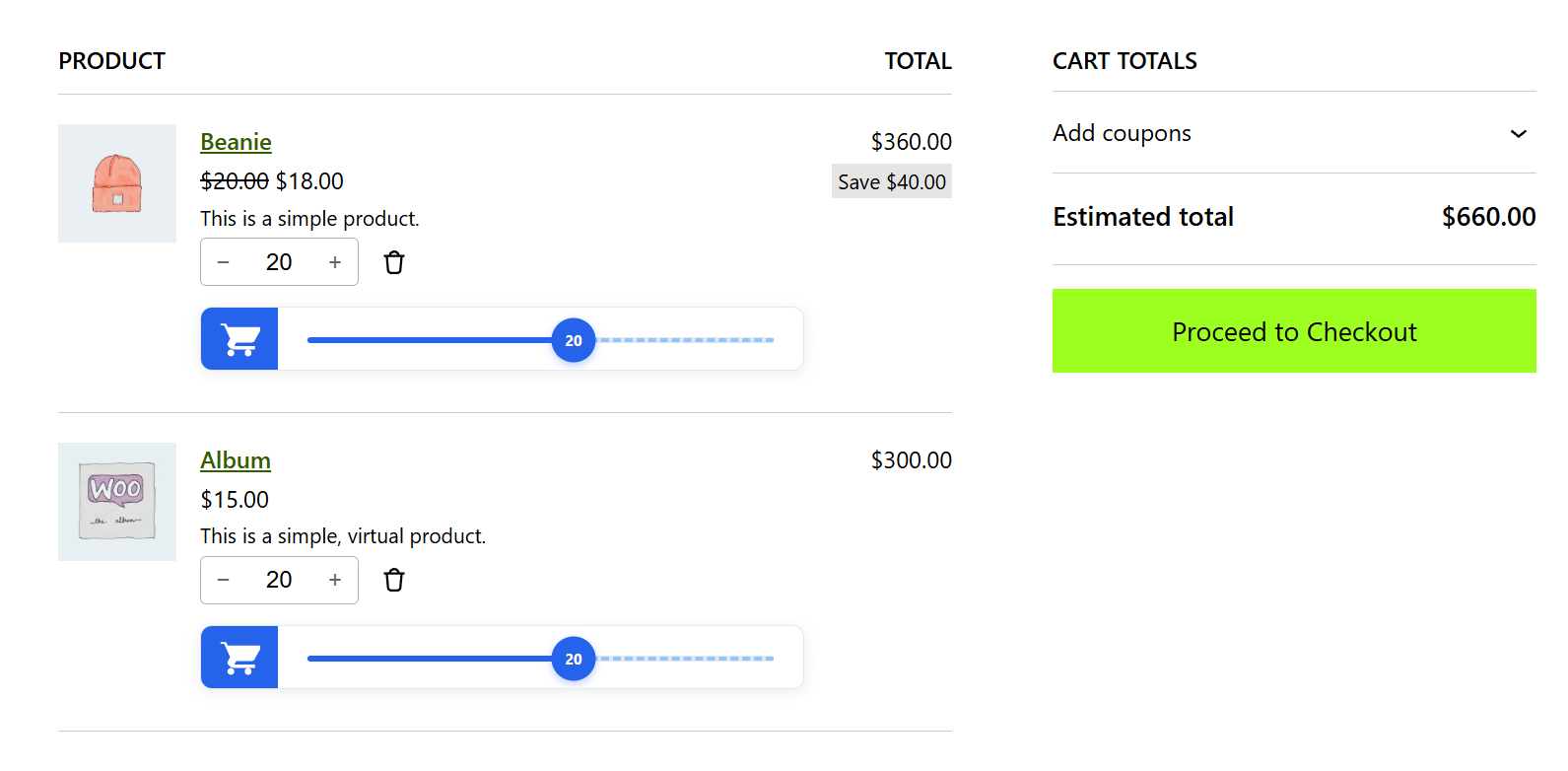
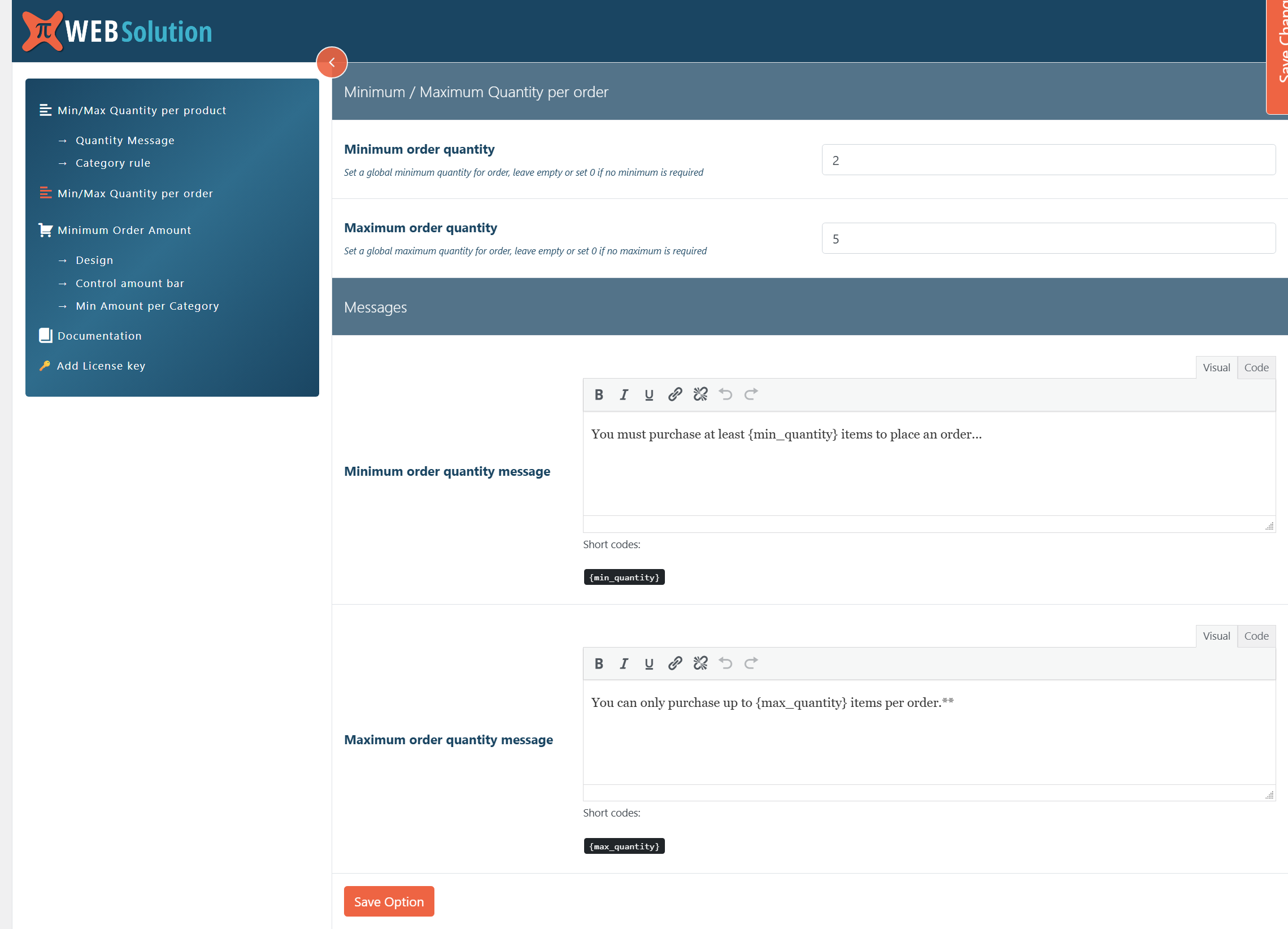
Min/Max Order Quantity
Control the total number of items allowed across the entire order.
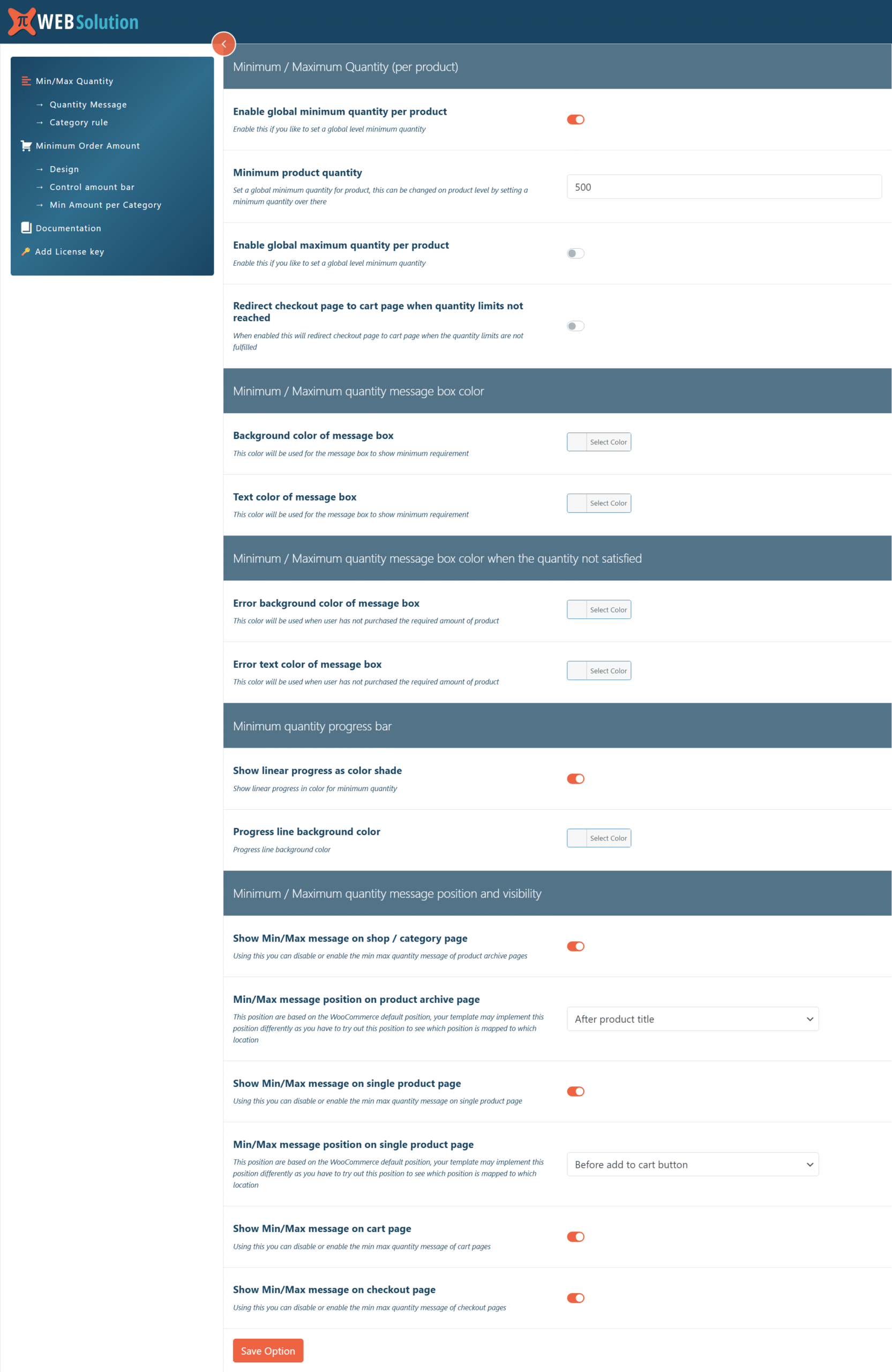
Min/Max Per Product
Perfect for wholesale. Require customers to buy at least 5 units (or limit them to 2) of a specific item.
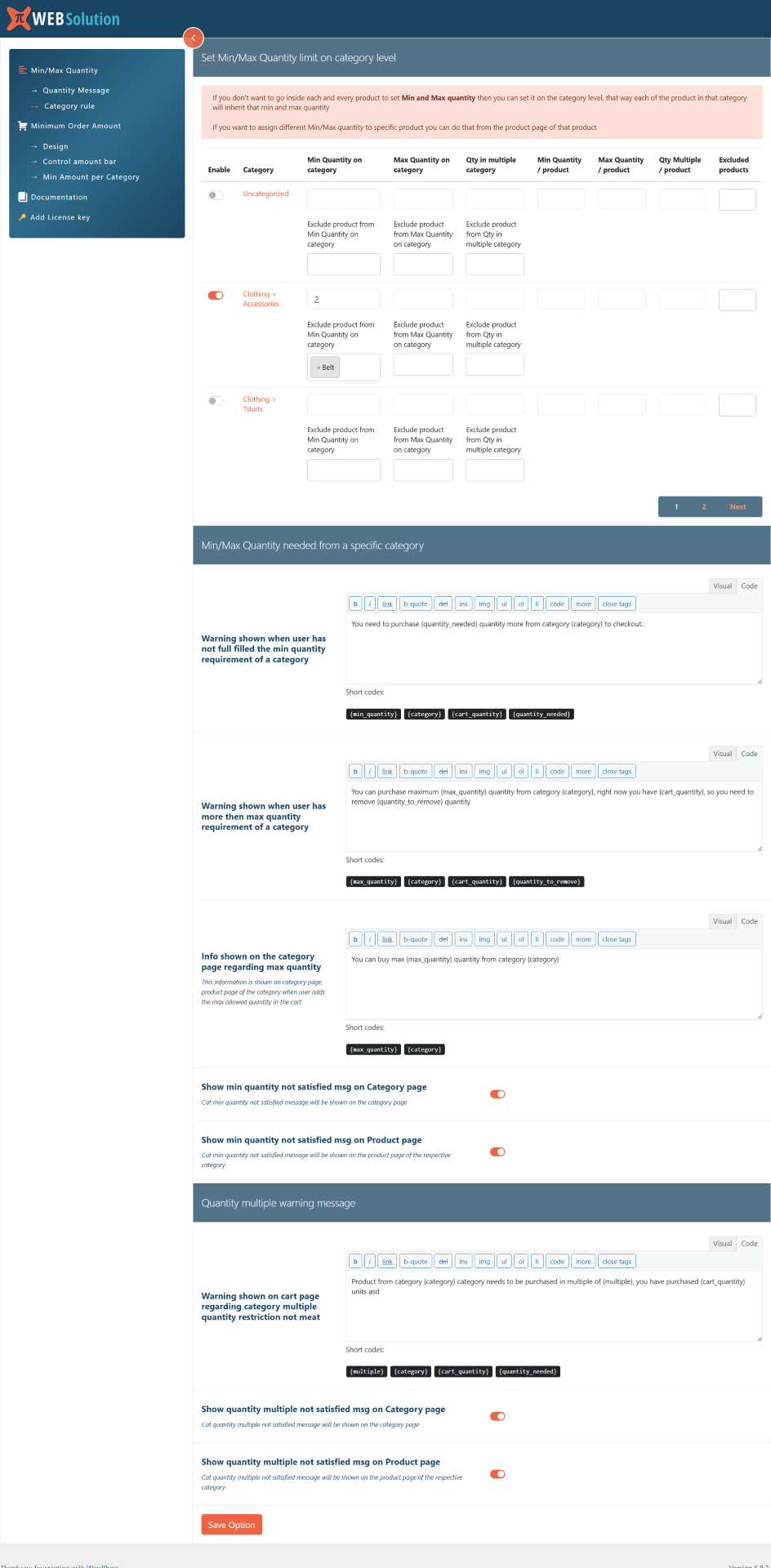
Category-Level Limits
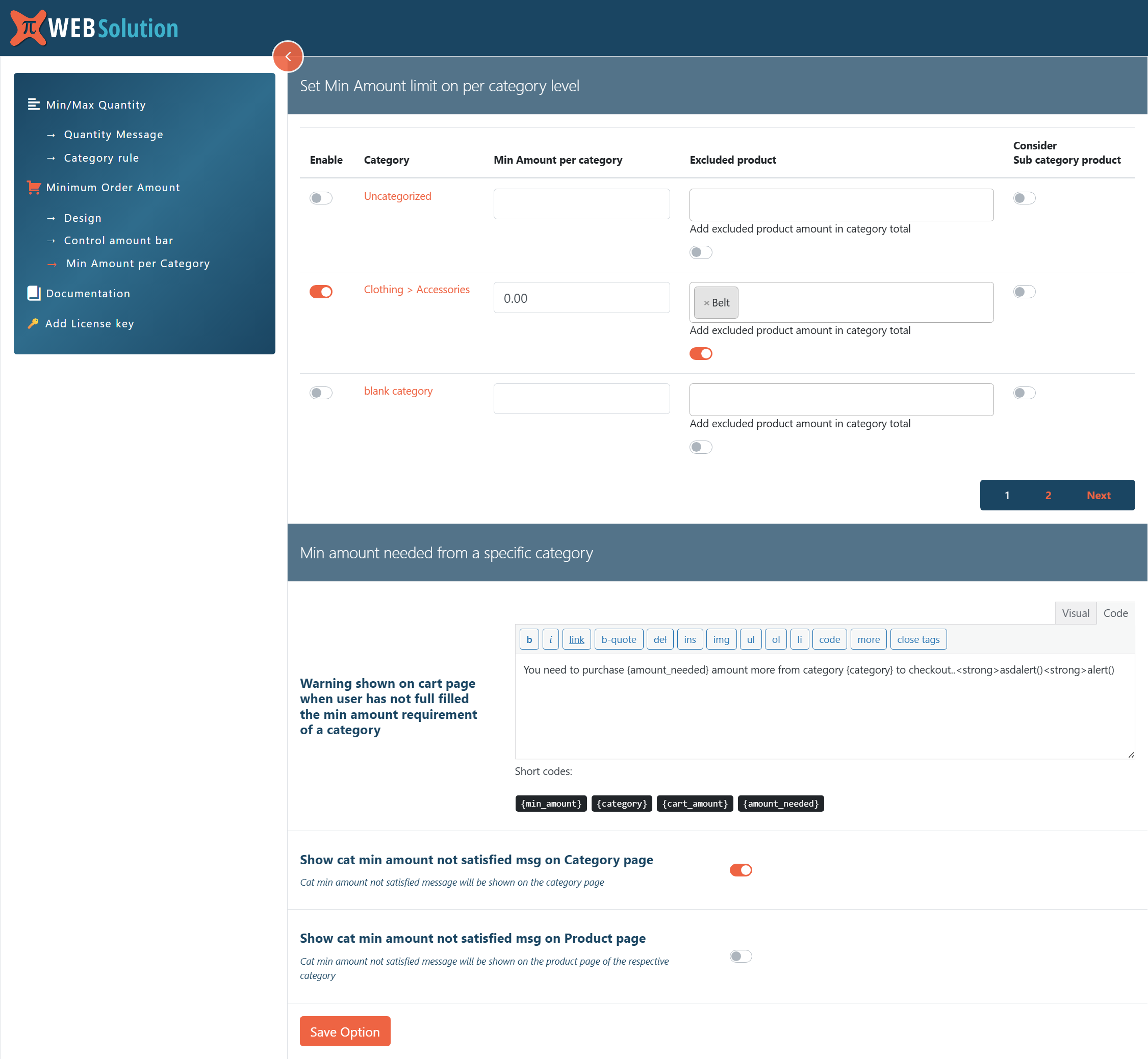
Manage rules across entire categories, like limiting electronics or requiring minimums for wholesale categories.
Quantity Multiples
Force sales in packs of 6, 12, or 24. Match your carton sizes and eliminate manual packaging errors.
Automated Enforcement
Set rules once and let the plugin handle everything. No manual order corrections needed.
Why Every Store Owner Needs This
Behavioral research shows that clear rules reduce decision friction. When your purchase limits are predictable, customers simply adjust their behavior to meet them. This plugin creates those boundaries while keeping your checkout process simple and professional.
Frequently Asked Questions
Will customers see why their order is blocked?
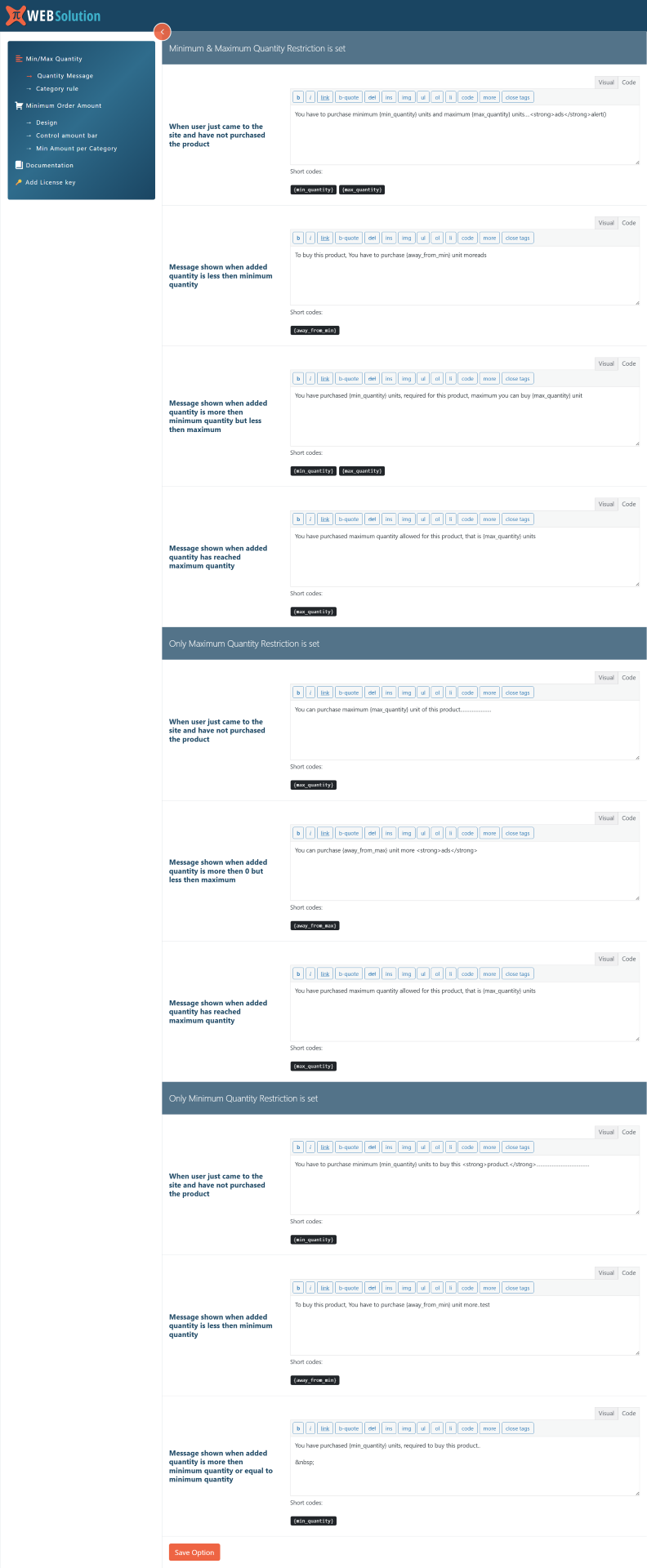
Yes. A clear, customizable message explains exactly what limit must be met (e.g., “Minimum 6 items required”), helping them correct the cart quickly.
Can I force customers to buy in packs?
Absolutely. The Quantity Multiple feature ensures customers only purchase in specific increments (like 12 or 24) to match your shipping crates.
Can I apply limits to specific categories?
Yes. You can enforce min/max quantity and min amount across categories simultaneously, saving you from configuring every product individually.
Protect Your Profits Today
Unrestricted purchases lead to lost margins and logistical headaches. Gain full control over your WooCommerce store now.
Install & Set Limits NowNo coding skills required. Easy Admin Setup.