 Dedicated Support
 Safe & Secure online payment

Try out Pro front end and backend on test site Try Demo Documentation
Advanced Flat Rate & Free Shipping Rules for WooCommerce
Create precise shipping rules based on cart value, weight, dimensions, products, customers, dates and location, without complicated setup.
Used by WooCommerce stores to control shipping costs and improve checkout conversion.
Shipping rules in WooCommerce are often too limited
Most WooCommerce stores struggle to configure shipping rules that match real business needs.
You may want to:
- Offer free shipping above a certain order value
- Charge by weight, size or shipping class
- Apply location-based shipping rules
- Reward repeat customers or specific user roles
But WooCommerce’s default shipping system cannot handle many real-world cases.
This often leads to:
- Losing money on shipping costs
- Charging customers too much for delivery
- Complicated shipping zones and workarounds
- Poor checkout experience for customers
Over time, these issues directly affect profit margins and conversion rates.
Control exactly how shipping should work in your store
This plugin lets you create advanced flat rate and free shipping rules based on multiple conditions. Instead of forcing your business to fit WooCommerce limitations, build rules that match how your store actually operates.
Examples:
- Free shipping above $100
- Higher cost for heavy or oversized products
- Special rules for certain locations
- Shipping discounts for larger orders
- Free shipping on a customer’s first order
- Express shipping only for next-day delivery
What this plugin helps you achieve
Charge accurate shipping costs
Avoid losing money due to incorrect shipping settings.
Encourage larger orders
Offer conditional free shipping to increase cart value.
Handle complex shipping scenarios
Create rules based on products, weight, categories, customers or locations.
Improve checkout experience
Customers see clear shipping options without confusion.
Reduce configuration complexity
Avoid creating multiple complicated shipping zones.
Reward loyal customers
Use order history, total spend and user roles to give the right shipping to the right people.
Adapt shipping to your business model
Set rules that reflect your real delivery costs.
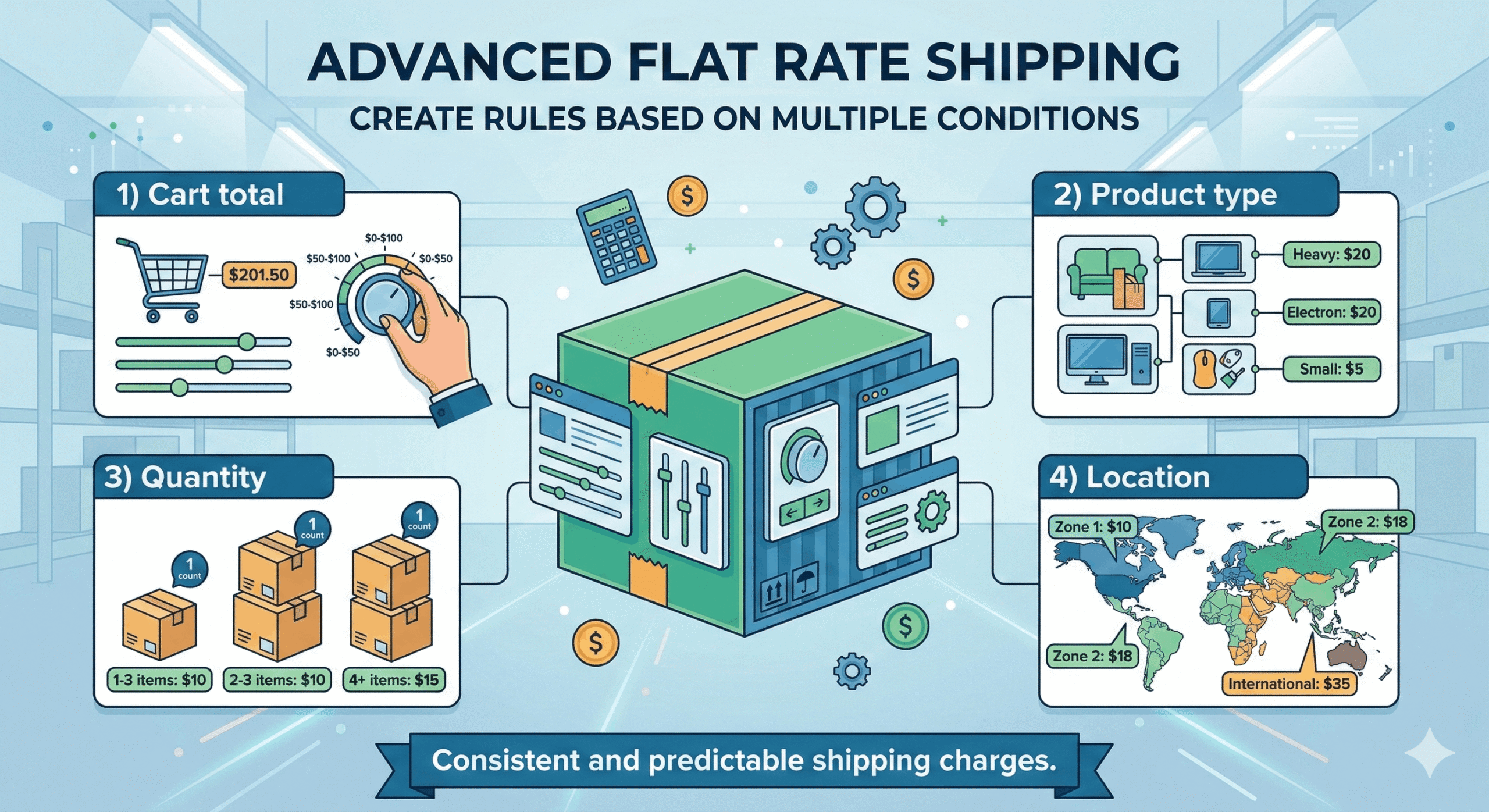
Advanced Flat Rate Shipping
Create flat rate shipping rules based on multiple conditions. Apply different shipping costs depending on:
- Cart total, before or after discount
- Product, category, tag, attribute or variation
- Quantity and weight
- Location
Shipping charges stay consistent and predictable.
Conditional Free Shipping
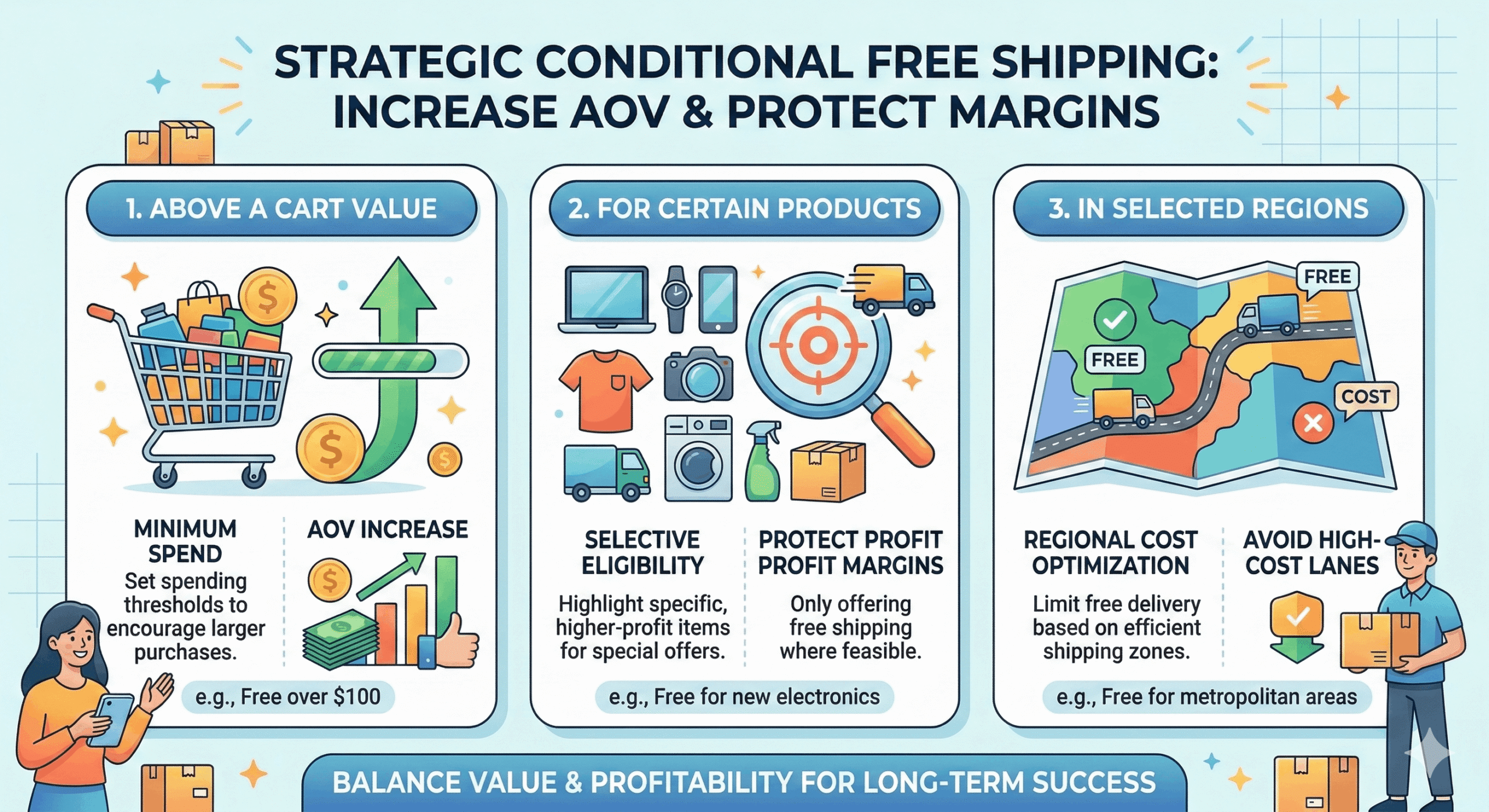
Offer free shipping only when specific criteria are met. Examples:
- Free shipping above a cart value
- Free shipping for certain products or categories
- Free shipping in selected regions
- Free shipping when a free shipping coupon is applied
Increase order value while protecting your margins.
Product-Based Shipping Rules
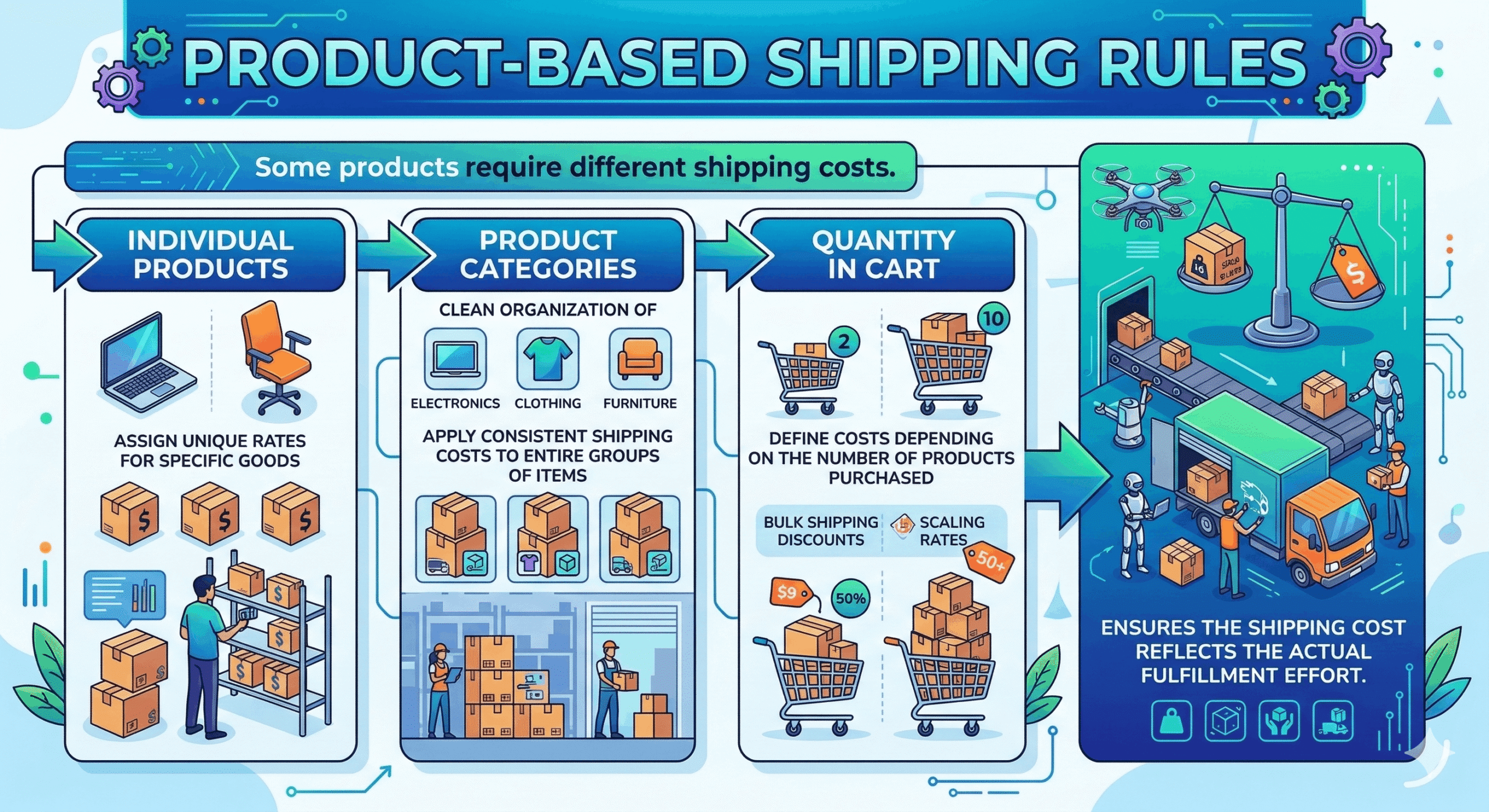
Some products require different shipping costs. Create rules based on:
- Individual products and variations
- Product categories, tags and attributes
- Shipping classes
- Quantity, weight and dimensions
Shipping cost reflects the actual fulfillment effort.
Location-Based Shipping Conditions
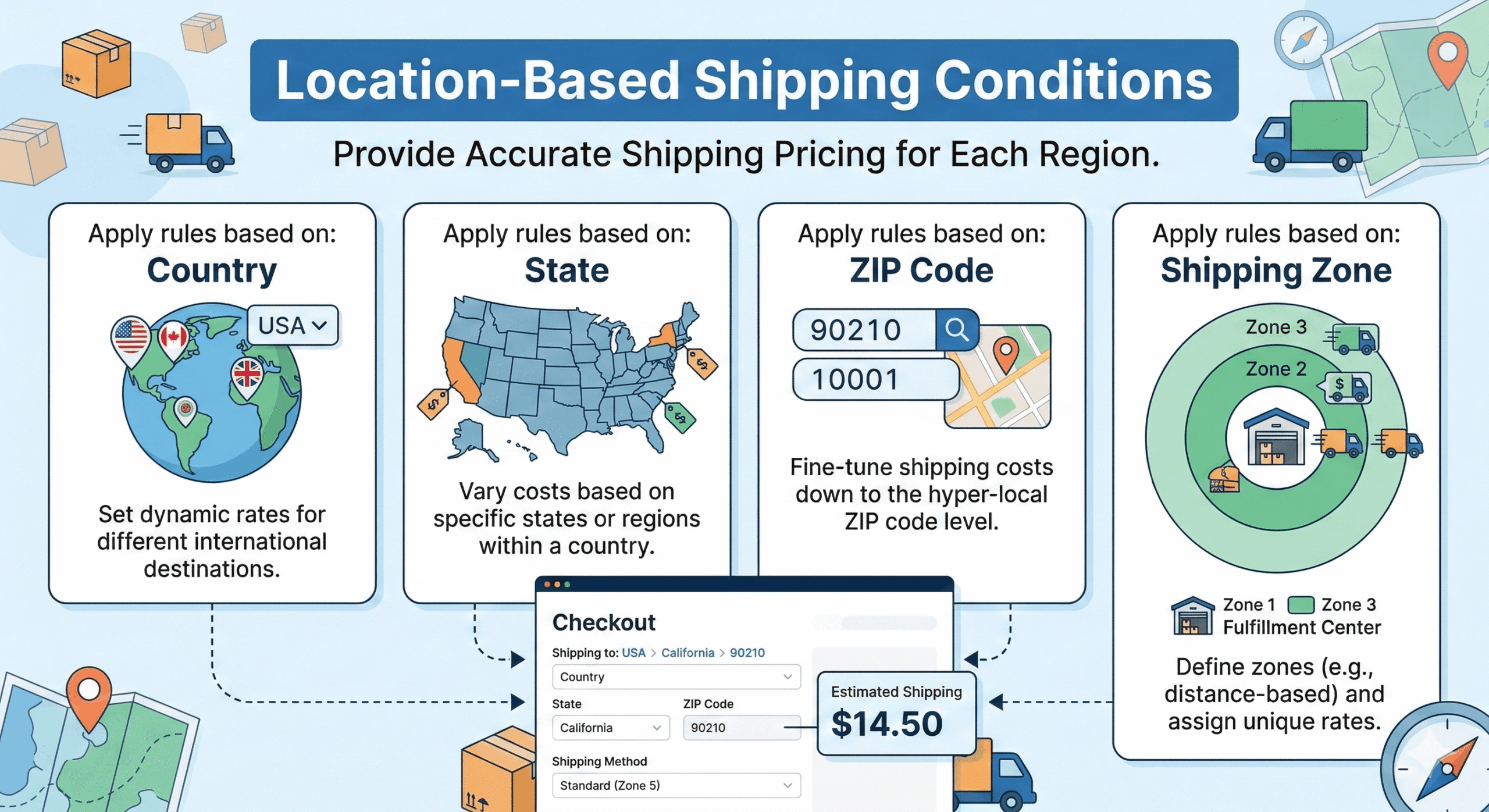
Shipping costs often vary by destination. Apply rules based on:
- Country or continent
- State and city/town
- Postcode, including ranges (1000…2000) and wildcards (AB1*)
- WooCommerce shipping zones
Provide accurate shipping pricing for each region.
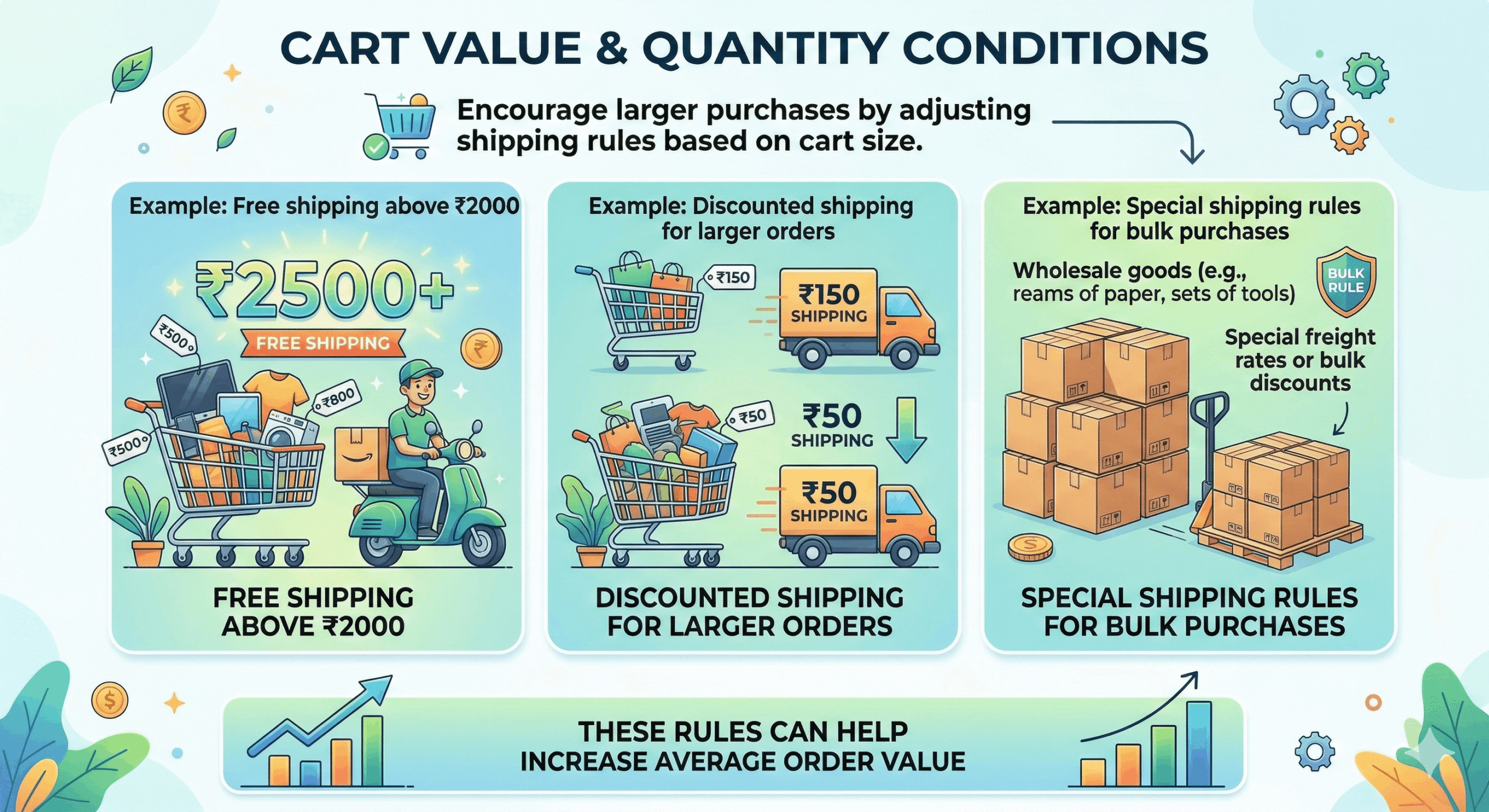
Cart Value & Quantity Conditions
Encourage larger purchases by adjusting shipping based on cart size. Examples:
- Free shipping above $100
- Discounted shipping for larger orders
- Special rules for bulk purchases, including “multiple of” quantities
- Ignore virtual products when calculating the subtotal
Increase your average order value.
Seamless WooCommerce Integration
The plugin works directly within WooCommerce shipping settings. Create and manage rules without external tools or complex configuration.
Dynamic shipping charges, not just fixed prices
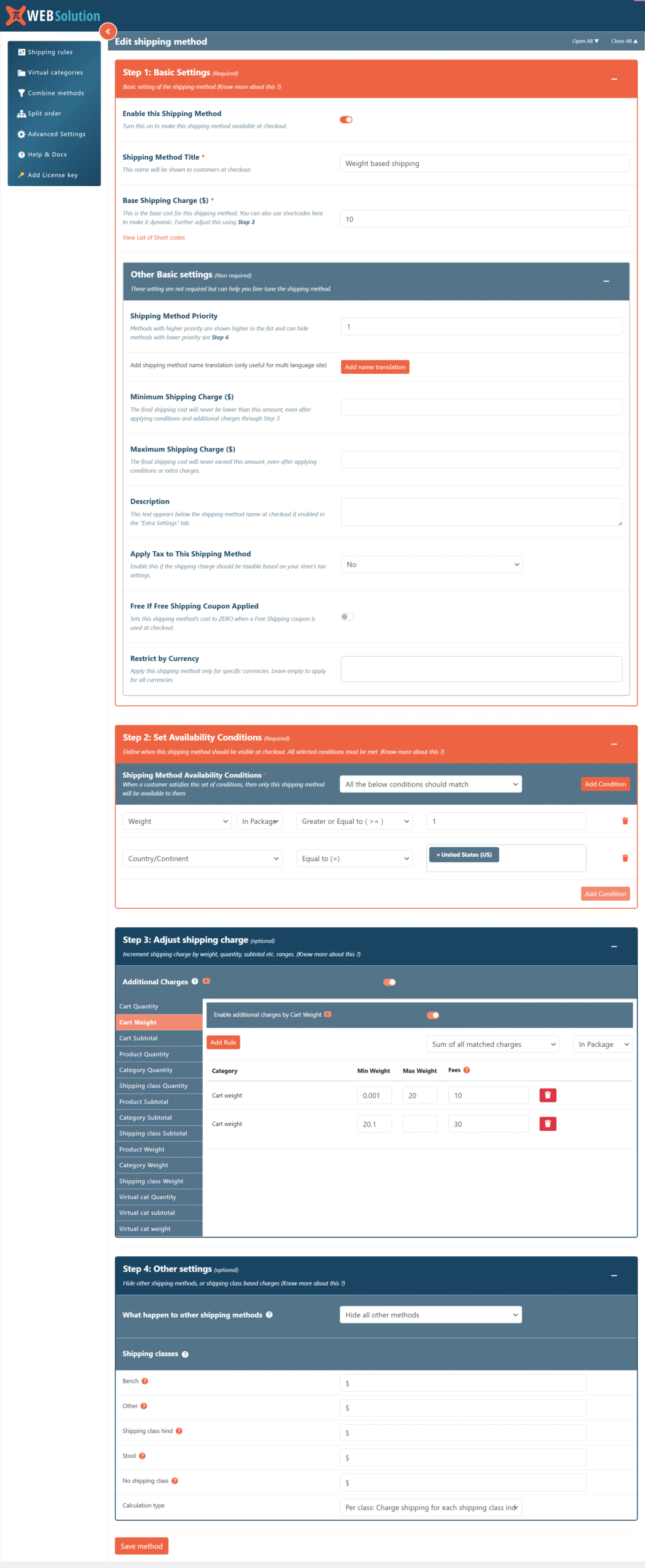
Start with a base charge, then add or subtract amounts as the cart changes.
Formulas in the base charge
Use shortcodes to make any charge dynamic:
20.00 * [qty]
20.00 per item in the cart.
[fee percent="10" min_fee="20"]
10% of the cart subtotal, never less than 20.
[fee percent="10" max_fee="20"]
10% of the cart subtotal, never more than 20.
Additional charges (add or reduce)
Adjust the charge in tiers. For example: 1 item costs $1, 2 to 11 items cost $2, 12 to 24 items cost $3, and 25+ items cost $4. Tiers can be based on:
- Cart quantity, weight or subtotal
- Product quantity, weight or subtotal
- Category quantity, weight or subtotal
- Shipping class quantity, weight or subtotal
When several tiers match, choose the smallest, largest or all matched charges. Use [qty], [weight] and [subtotal] inside the tiers.
Shipping class charges
Add an extra cost per shipping class. Charge per class (each class in the cart adds its cost) or per order (only the most expensive class is added).
Price safety nets
- Minimum and maximum shipping charge caps
- Tax on or off for each method
- Free automatically when a free shipping coupon is used
- Restrict a method to specific currencies
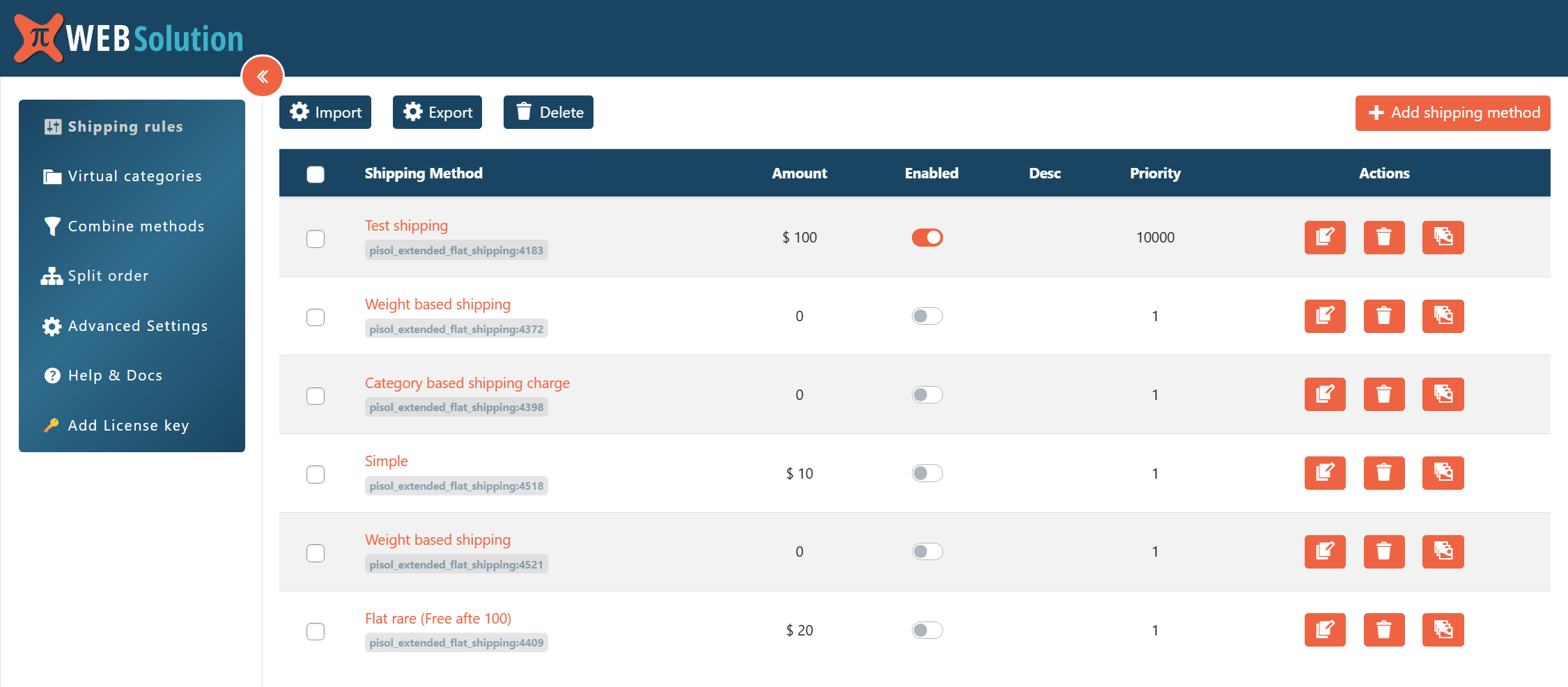
40+ conditions to decide exactly when a method appears
Require all conditions to match, or any one of them.
Location
- Country / continent, state, city
- Postcode ranges and wildcards
- Matches any possible zone, or the zone WooCommerce assigns
Cart & products
- Subtotal before / after discount, with or without virtual products
- Package content cost, quantity, product quantity and ranges
- Has product, has variation, has category, product tag, attributes
- Custom attributes (number and text)
- Stock status (backorder items)
Weight & size
- Total cart weight
- Max product length, width and height
- Shipping class, class quantity, class total and class weight
Customer
- User role and specific user
- First order
- Number of orders in a period
- Total of previous orders and last order total
- Times this customer used a method
Time & date
- Time of day window
- Day of the week
- Order date (holidays and non-working days)
Checkout & promotions
- Coupon applied
- Payment method (e.g. Cash on Delivery)
- Total times a method was used, to cap a promotional method
Control what customers see at checkout
Hide or keep other methods
When a method applies you can:
- Hide all other methods
- Hide all except WooCommerce Local Pickup
- Hide everything except this plugin’s methods
- Hide plugin methods with lower priority
Show only one method
Simplify checkout by showing a single option: the cheapest or the most expensive method, with or without Local Pickup.
Priority, clone and descriptions
Set the display order with priority, clone a method to build variations quickly, and show a short description under each method name.
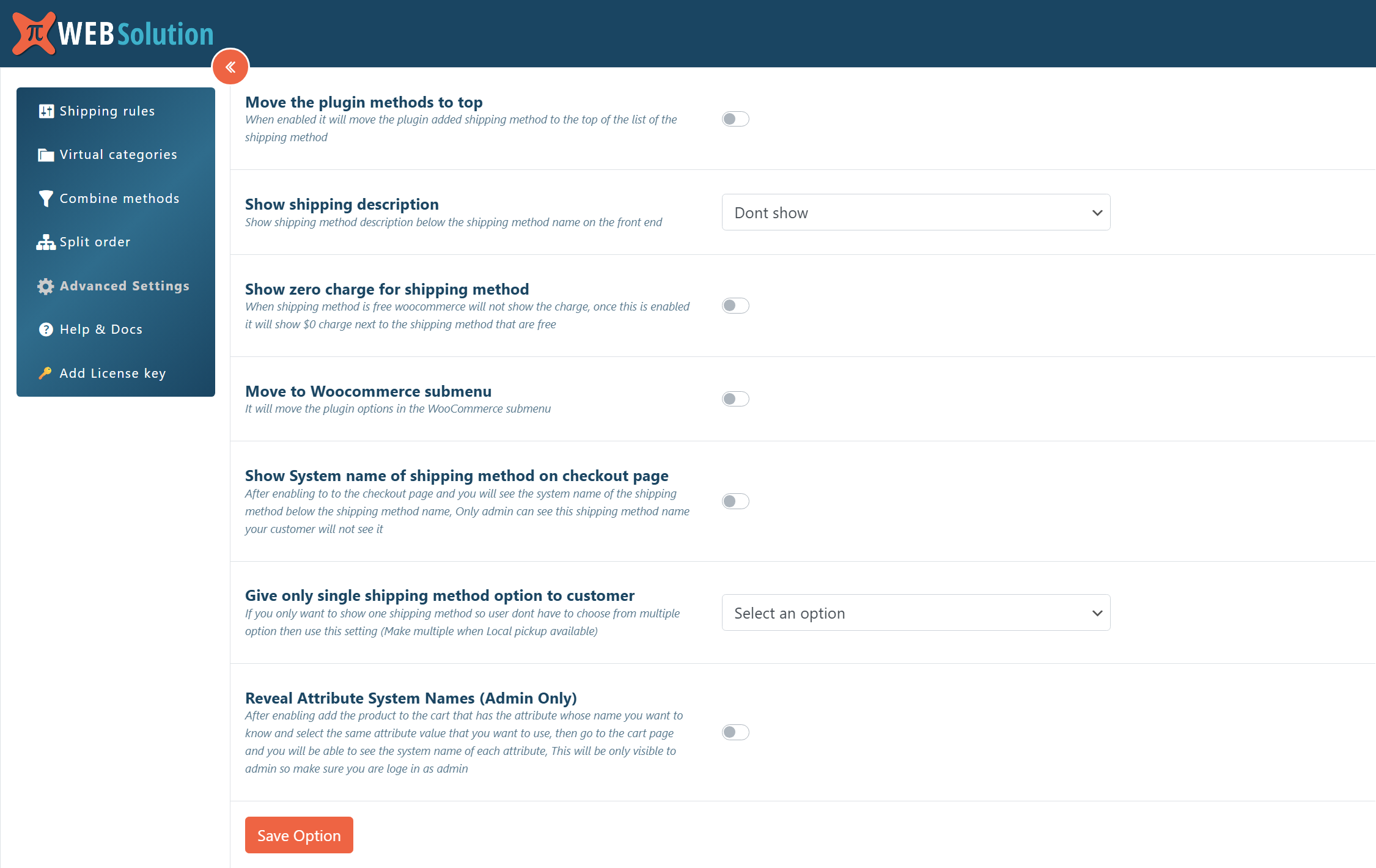
Display and admin options
- Show plugin methods at the top
- Show $0 next to free methods
- Method titles translated for WPML and Polylang
- Admin-only system names for easy debugging
- Move settings to the WooCommerce submenu
Advanced features
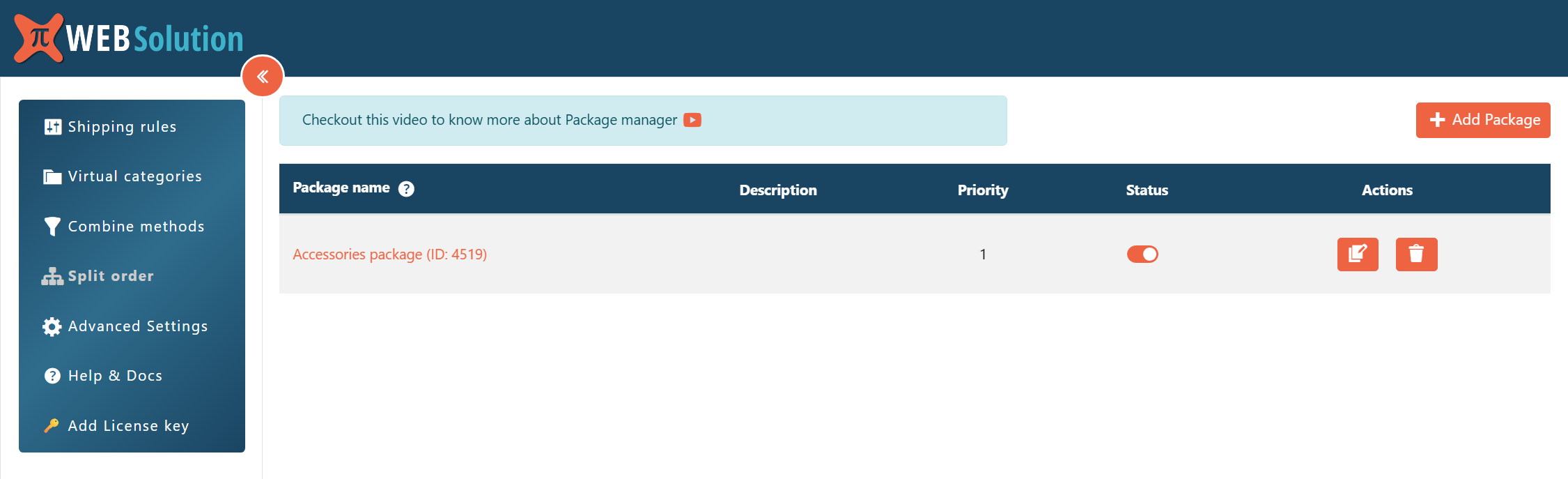
Split Shipping for Multiple Products
Divide an order into separate packages by virtual category, with conditions on the category’s total or quantity. Each package can hide specific methods or allow only certain method types, so every item gets the right shipping.
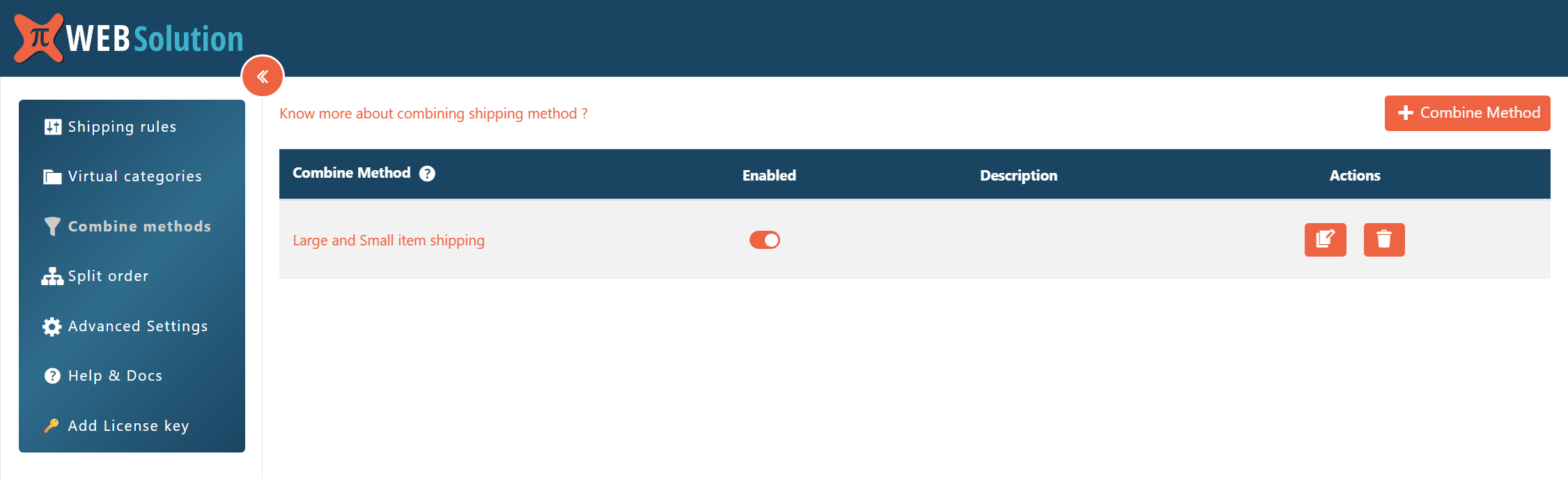
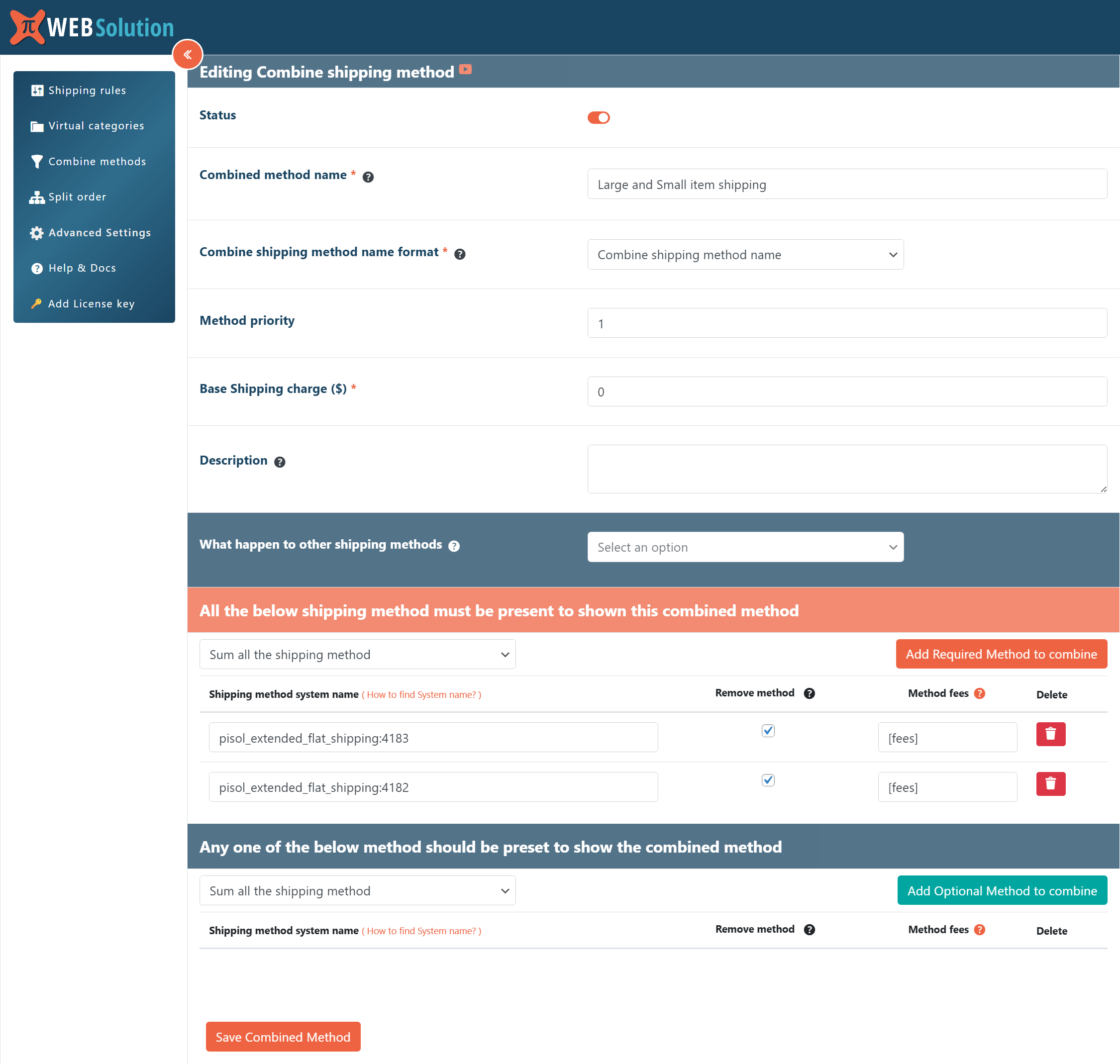
Know moreCombine Shipping Methods
Merge several methods into one. If method A costs $2 and method B costs $3, show a single combined method at $5 and hide the originals. Customers see one clear option.
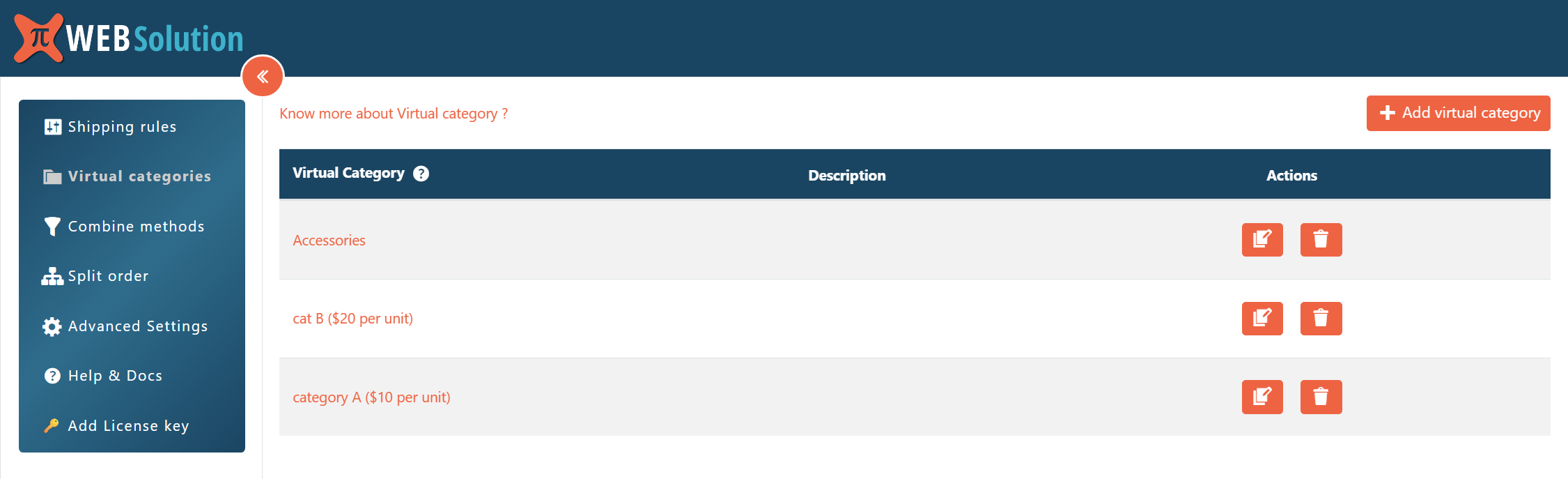
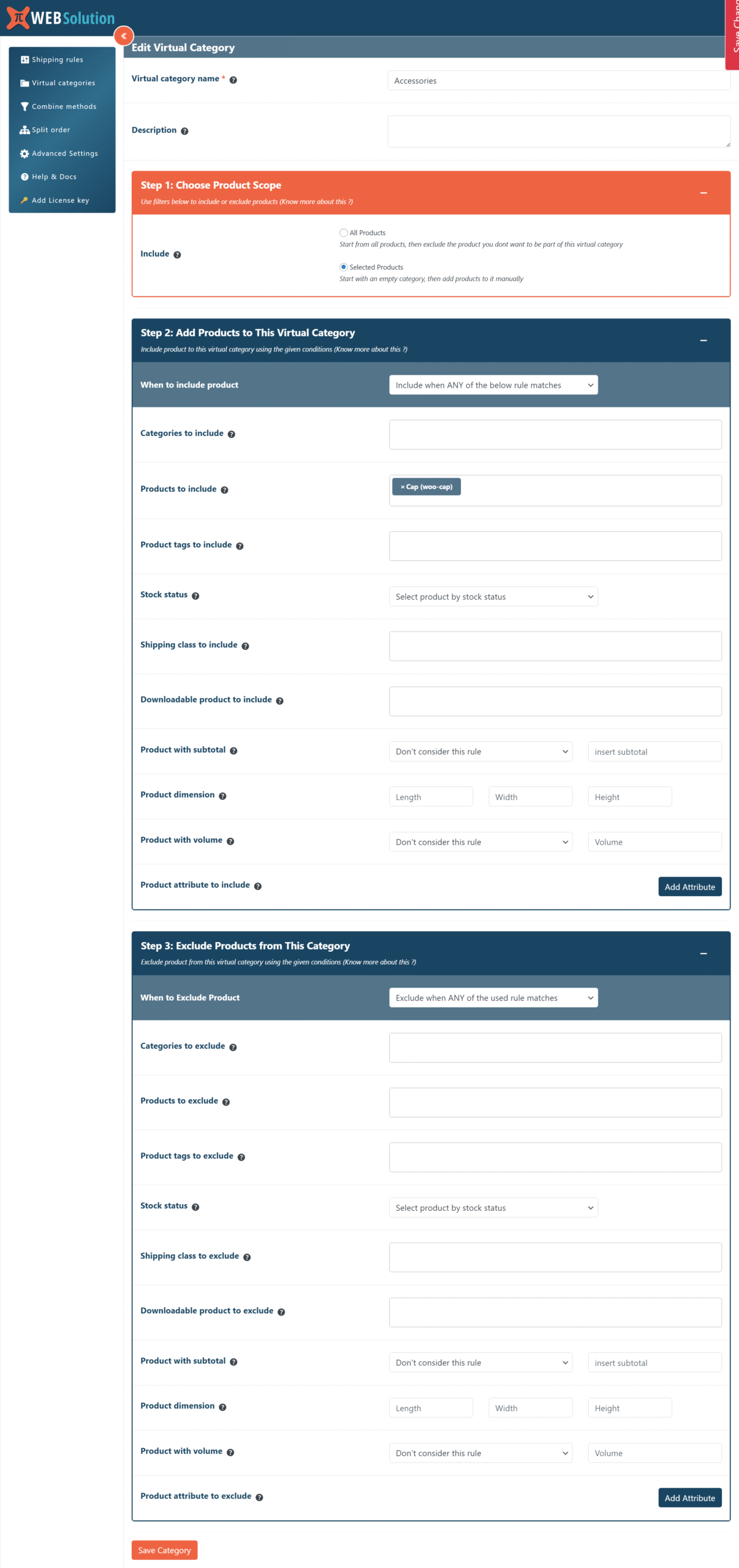
Know moreVirtual Categories
Group products by rules without touching your real categories. Include or exclude by category, product, tag, stock status, shipping class, downloadable status, subtotal, dimensions, volume or attributes. Use them in split packages and conditions.
Works with Order Delivery Date, Time & Pickup
With our Delivery Date and Time plugin installed, base shipping on what the customer picks at checkout: the selected delivery date, the delivery day, how many days ahead the delivery is, or the delivery type (Delivery, Pickup or Dining). Offer express shipping only for next-day delivery, or free shipping only for Pickup.
SHIPPING RULE EXAMPLES
| Scenario | Shipping rule |
|---|---|
| Cart total above $100 | Free shipping |
| Furniture category | $50 flat rate |
| Remote state | Additional $15 |
| Wholesale user role | Discounted shipping |
| Cart weight 0 to 1 kg / 1 to 3 kg | $5 / $10 tiered charge |
| First-time customer | Free shipping |
| Any product on backorder | Hide express shipping |
| Christmas Day order | Hide same-day delivery |
| Cash on Delivery selected | Extra handling charge |
WooCommerce Default vs This Plugin
| Feature | WooCommerce Default | This Plugin |
|---|---|---|
| Product based shipping | ❌ | ✔ |
| Conditional free shipping | Limited | ✔ |
| Multiple rule conditions | ❌ | ✔ |
| Weight, size and shipping class pricing | Limited | ✔ |
| Tiered and formula-based charges | ❌ | ✔ |
| Customer history and user role rules | ❌ | ✔ |
| Split into packages / combine methods | ❌ | ✔ |
| Hide other methods, show only one | ❌ | ✔ |
| Advanced shipping scenarios | ❌ | ✔ |
USE CASES
Free shipping promotion
Free shipping for orders above $100, or only on Fridays and Saturdays.
Heavy and oversized products
Higher cost for furniture, charged by weight, shipping class or longest side.
Location-based pricing
Higher cost for remote regions, by state, city or postcode range.
Wholesale shipping rules
Reduced shipping cost for bulk orders or the wholesale user role.
Customer loyalty rewards
Free shipping for first orders, or for customers who spent over a set amount.
Mixed carts
Split fragile and bulky items into separate packages with their own methods.
WHY STORE OWNERS NEED THIS
Shipping costs influence both profitability and customer satisfaction.
If shipping is too expensive, customers abandon checkout.
If shipping is too cheap, the store absorbs the cost.
This plugin helps store owners create balanced shipping rules that protect margins while offering attractive shipping options.
Instead of struggling with default WooCommerce limitations, you can implement shipping rules that align with your business strategy.
FAQ
Will this plugin work with my WooCommerce store?
Yes. The plugin integrates directly with WooCommerce shipping methods.
Is it difficult to configure shipping rules?
No. Each method is set up in four simple steps: basic settings, availability conditions, charge adjustments and other settings.
Can I combine multiple conditions?
Yes. Choose from 40+ conditions and decide whether all of them or any one of them must match.
Can I charge by weight, size or shipping class?
Yes. Use weight, product dimensions and shipping class conditions, or add tiered charges based on cart, product, category or shipping class weight, quantity and subtotal.
Can I create multiple shipping rules?
Yes. Create as many methods as you need, set priorities, and choose whether one method hides the others.
Can I apply free shipping to specific products only?
Yes. Rules can target individual products, variations, categories, tags, shipping classes or virtual categories.
Does it work on multilingual and multi-currency stores?
Method titles can be translated for WPML and Polylang, and each method can be restricted to specific currencies.
Will it slow down my checkout page?
No. The plugin is optimized to process shipping rules efficiently during checkout.