Dedicated Support
 Safe & Secure online payment

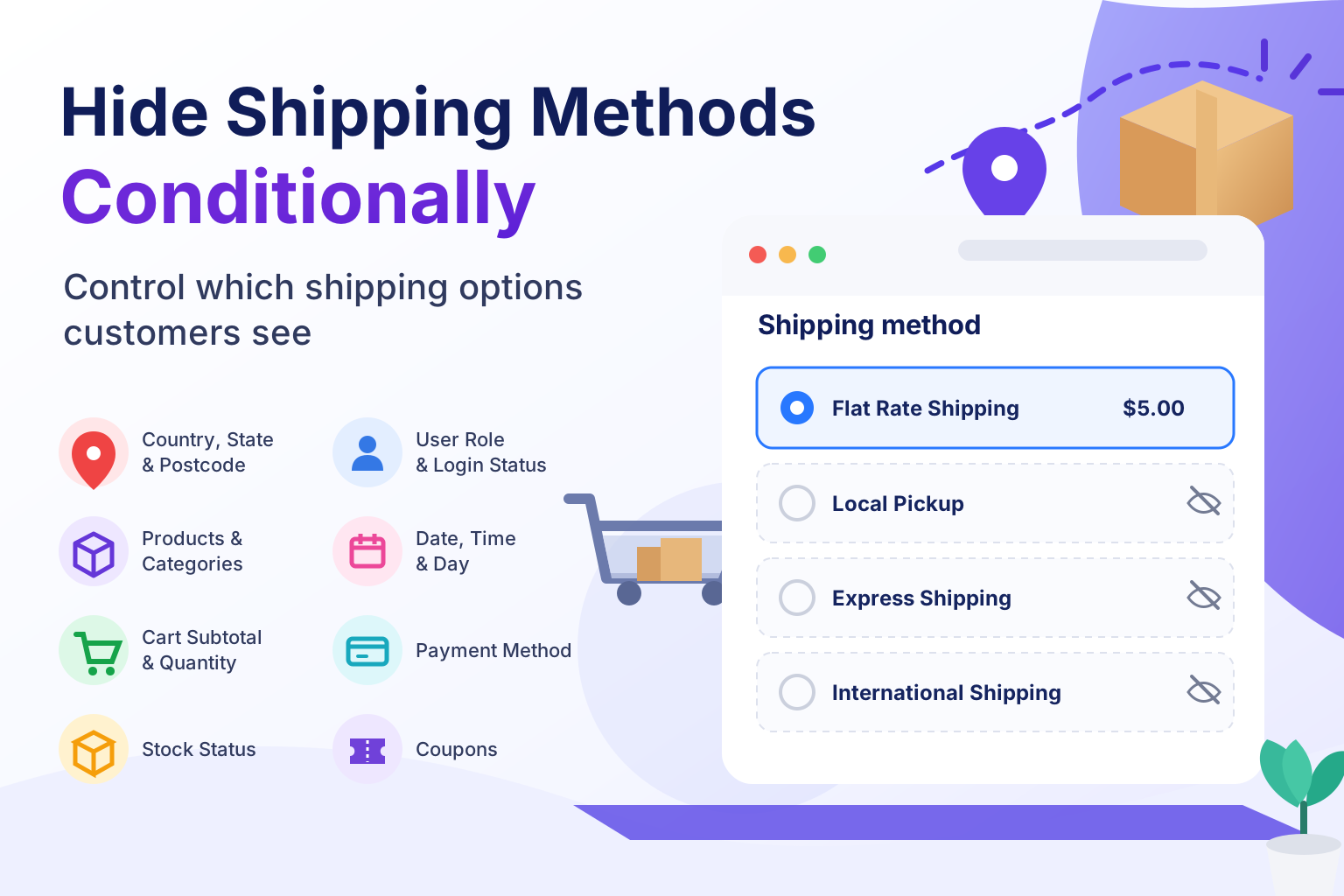
Stop Showing Customers Shipping Options That Don’t Apply to Them
Hide any shipping method — by country, state, postcode, cart value, quantity, weight, product, category, stock status, coupon, day, time, payment method and more — so checkout only ever shows what’s actually relevant.
Hide Shipping Methods Using Any Condition You Need
Mix and match conditions to build the exact checkout experience your store needs — no coding required.
Country / State / Postcode
Show or hide methods based on shipping or billing location.
Product & Category
Target specific products, variations, or entire categories.
Product Tag & Shipping Class
Hide methods when tagged products or a specific shipping class are in the cart.
Cart Subtotal & Quantity
Hide a method until a minimum spend or item count is reached.
Min / Max Ranges
Hide methods when subtotal, quantity or weight falls inside a range you define.
Stock Status
Disable express delivery automatically on backordered items.
User Role & Login
Offer exclusive rates to wholesale or logged-in customers.
Free Shipping Logic
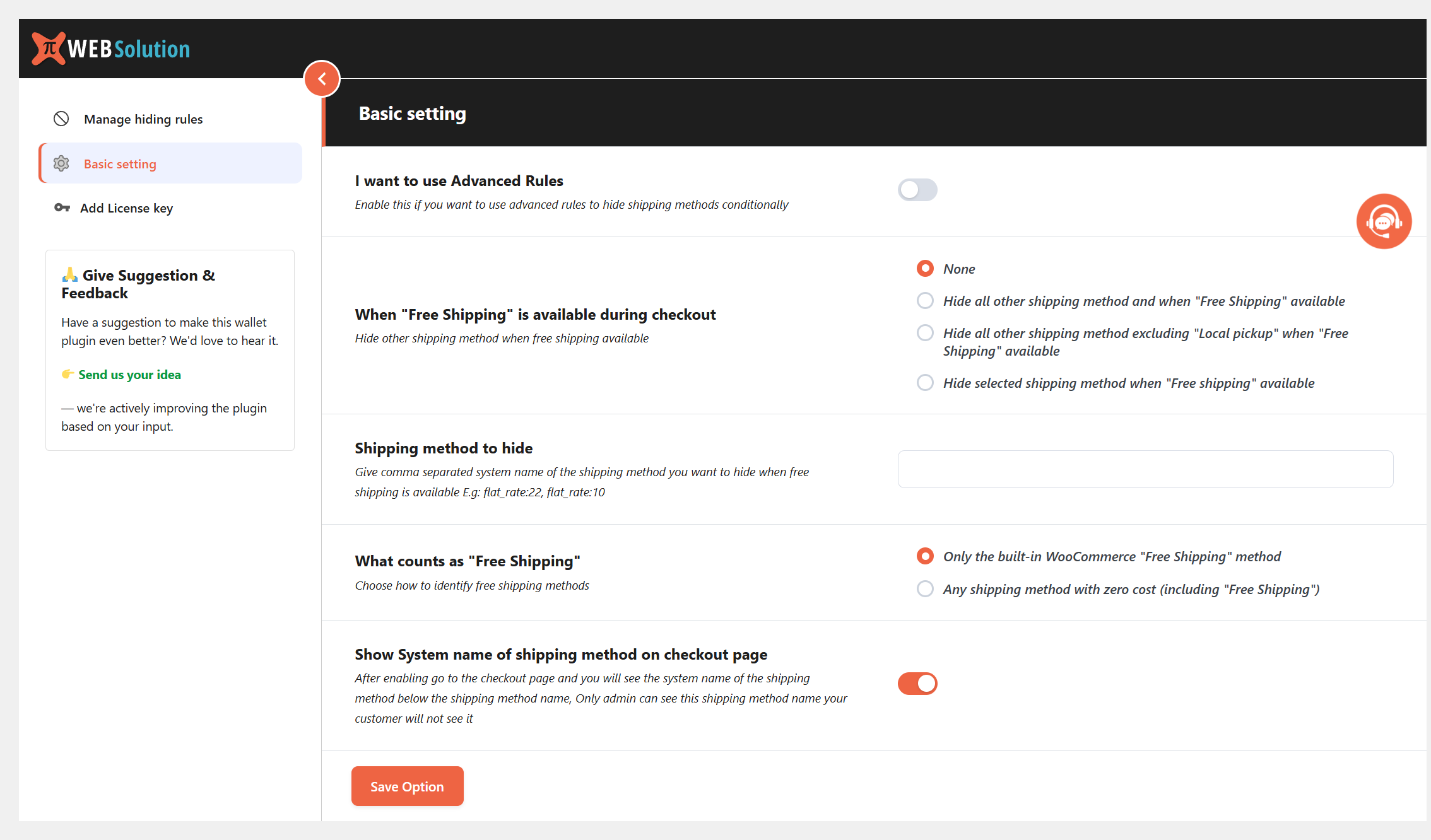
Automatically hide paid methods once free shipping applies.
Coupon Applied
Change available shipping when a specific coupon is used.
Date, Day & Time
Turn off same-day or express delivery on weekends or after hours.
Payment Method
Hide COD when card is selected, or restrict methods per payment type.
Range Conditions: Subtotal, Quantity & WeightNew
Set a Min and Max and hide a shipping method only when the value falls inside that range. Measure the whole cart, or only the items that matter.
| Range type | Entire Cart | Product | Category | Shipping Class | Tag |
|---|---|---|---|---|---|
| Subtotal range | ✓ | ✓ | ✓ | ✓ | ✓ |
| Quantity range | ✓ | ✓ | ✓ | ✓ | ✓ |
| Weight range | ✓ | ✓ | ✓ | ✓ | ✓ |
Popular Ways Store Owners Use This Plugin
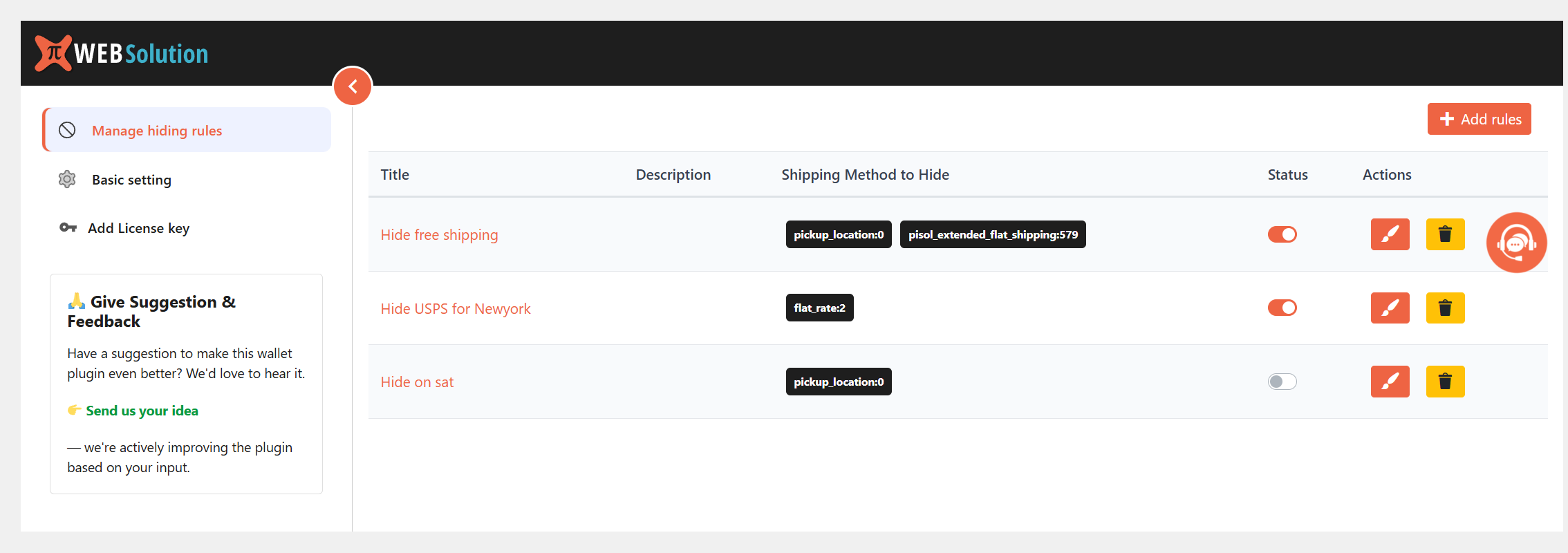
- Hide Flat Rate automatically when Free Shipping is available
- Disable Local Pickup for customers outside your country
- Restrict Cash on Delivery for regions where it’s not supported
- Limit Same-Day or Express Delivery to serviceable states only
- Hide premium couriers (DHL/FedEx) on low-value orders
- Require login before any shipping method is shown
- Hide standard shipping when total cart weight goes above your courier’s limit
- Disable Local Pickup when a bulky category has more than a set number of items
- Hide Express delivery when products with a “fragile” tag add up to a certain value
- Remove a method when a specific product is ordered in bulk quantities
Free vs Pro — Pick What Fits Your Store
The Free version covers the core conditions: location, cart, payment, coupon, user and time. Pro adds range conditions, shipping class and tag targeting, and advanced rule grouping.
| Feature | Free | Pro |
|---|---|---|
| 19+ core conditions (country, state, postcode, product, category, cart subtotal, quantity, stock, coupon, payment, user, date, etc.) | ✓ | ✓ |
| Hide third-party / custom shipping methods | ✓ | ✓ |
| Single condition per rule | ✓ | ✓ |
| Subtotal, Quantity & Weight range conditions (Min / Max) | — | ✓ |
| Range conditions by Product, Category, Shipping Class & Tag | — | ✓ |
| Product tag & Shipping class conditions | — | ✓ |
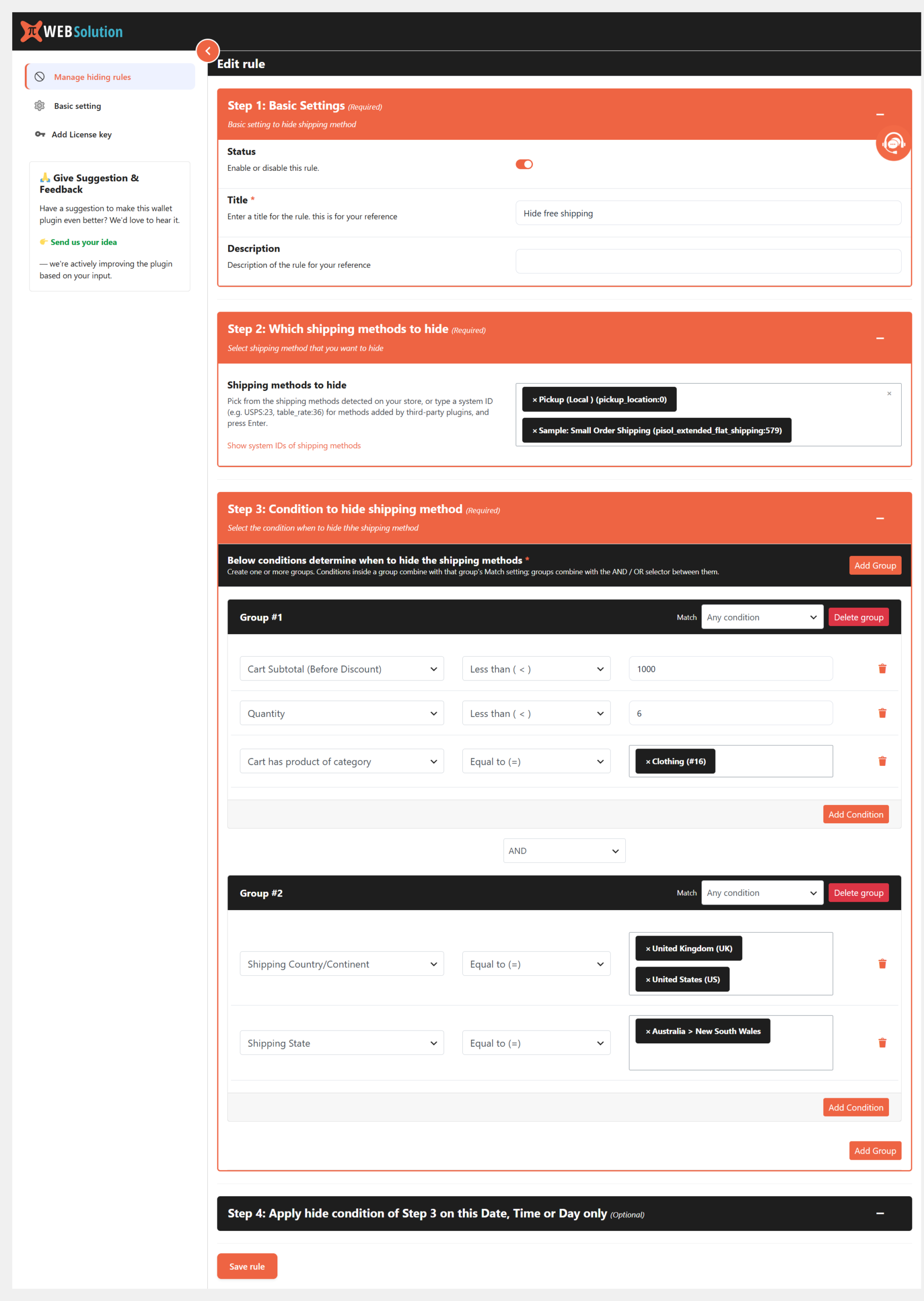
| Advanced grouping — combine conditions with AND / OR logic | — | ✓ |
| Priority support | — | ✓ |
Ready to Clean Up Your Checkout?
Install in minutes. No code required. Works with block-based and classic checkout.
Get the PRO